Visual Threading: Using AI Images to Stop the Scroll
In a text-heavy world, visuals are your secret weapon. Learn how to use AI-generated images to increase your thread engagement by 400%.
ThreadMaster Team · About the founder · 7 min read
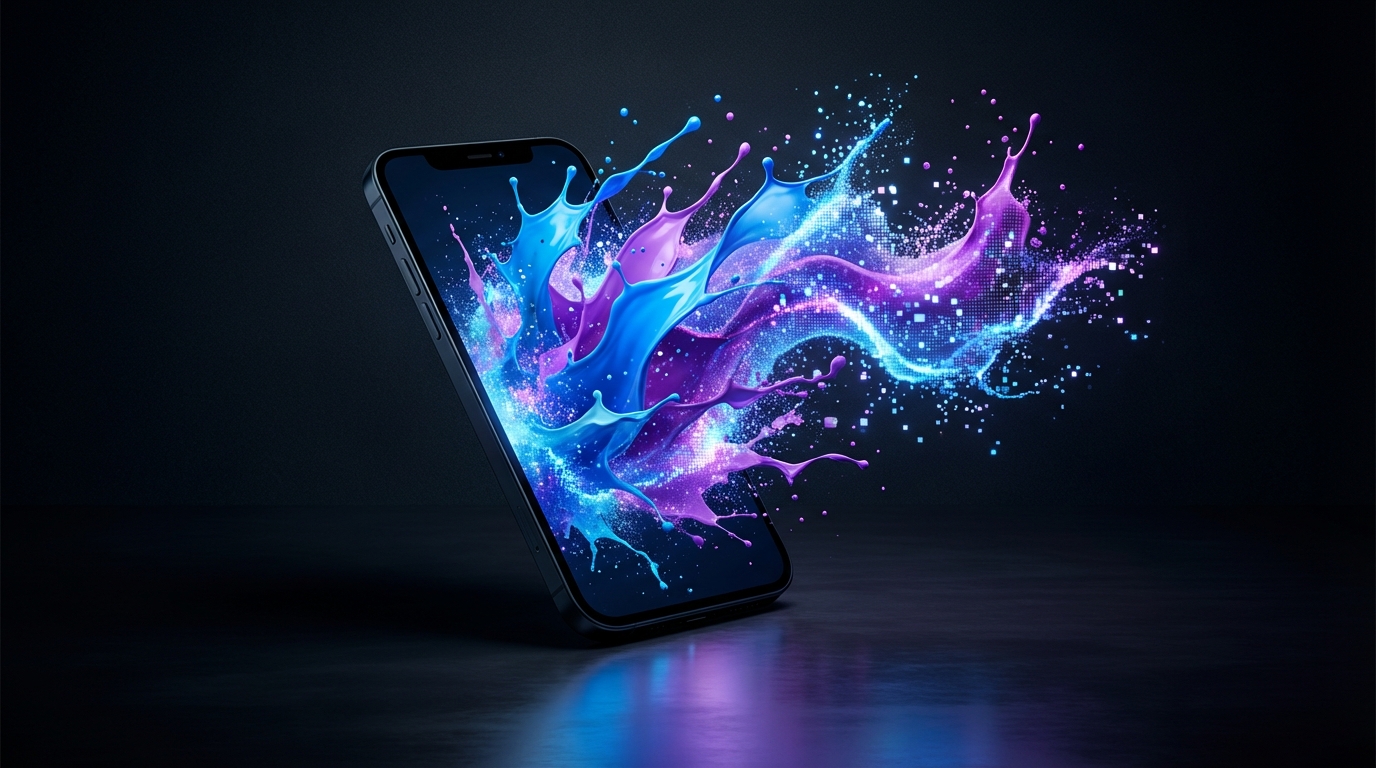
A wall of 8 text posts is easy to skip. Pair post 1 with one relevant image and you give the thumb a reason to pause for 2 seconds.
Visual-content is not decoration. It is thread-design: one idea, one picture, one caption that still works if the image fails to load.
The Power of the First Image
Your hook is no longer only the first sentence. It is that sentence plus the first image. A sharp, on-topic picture can change how many people open the rest of the thread. You will see claims of a 400% lift. Treat 400% as a prompt to test, not a promise. Run 2 similar threads 7 days apart: one text-only, one with a single image on post 1. Compare profile taps and "show more" clicks, not likes.
Post 1 still has to fit the character limit. X is 280 characters (longer on X Premium). Threads is 500. The image does not buy you extra words. Write the hook as if the image is missing, then add the image as proof.
Before (text-only, 241 characters):
How to stop the scroll on a how-to thread: put the result in post 1, not the backstory. Most people never reach post 4.
After, same hook plus a frame:
How to stop the scroll on a how-to thread: put the result in post 1, not the backstory. Image: the 5-line checklist I actually use.
Alt text for that image (keep it under 120 characters so it stays readable):
Checklist of 5 hook tests, large type, dark background, no logos
If the picture is a screenshot of your own checklist, you do not need a generator. If you do use ai-images, generate 4 variants, pick 1, and discard anything with fake UI chrome or unreadable labels.
A 3-step first-image test:
- Cover the image with your hand. Does post 1 still make a claim in under 280 characters?
- Cover the text. Does the image still name the topic (checklist, chart, diagram), or is it a generic sunset?
- Preview the pair in a thread preview at phone width. If type in the image is smaller than your caption, the image is doing no work.
Types of Visuals for Threads
Three types cover almost every useful thread. Pick 1 type per thread so the sequence feels like one magazine, not a collage.

- The metaphor image. Use this when the idea is abstract. Example: a single overloaded inbox for "your hook is doing 3 jobs." Prompt sketch:
flat illustration of one overflowing inbox tray, 1 red envelope on top, no text, 4:5. Then write the metaphor in the caption so screen readers are not lost. - The data viz. Turn a count into a picture. Do not invent a study. Chart your own log. Example: "12 threads in March. 3 with an image on post 1. Those 3 earned 40 saves on 2,000 views. The text-only set earned 11 saves on 2,400 views." That is an illustration from your notes, not a platform report.
- The mood setter. Same 2 colors, same crop, same type treatment, every post that needs an image. Readers start to recognize you in 0.5 seconds. That is branding, not a new idea every time.
Worked 6-post sequence (Threads, 500-character posts, image on 1, 3, and 5):
1/ The 3 visuals I use on how-to threads, and when each one fails. Image 1: the 3-type cheat sheet.
2/ Metaphor: only if the caption names the mapping. "Inbox = your hook" belongs in the text.
3/ Data viz: only if the numbers are yours. Image 2: a 2-bar sketch, 40 vs 11 saves.
4/ Mood: 2 colors max. I use navy and cream. If I need a third, the thread is too busy.
5/ Mix-and-match is how threads look cheap. Image 3: the same cheat sheet with the 3 rules boxed.
6/ Save this: 1 type per thread, alt text that restates the topic, character limits checked.
A carousel is a cousin of this pattern. On X you are still posting a thread of stills. Do not assume every reader will swipe. Make post 1 complete.
AI Image Tools for Creators
You do not need 6 subscriptions. You need 1 source of pictures that match your thread-design, plus a place to store the winners.
- A cinematic generator (whatever you already use) for metaphor shots with no tiny text.
- A diagram or slide tool for data viz. Type in the image must stay readable at 390px wide. If you cannot read it, neither can a reader on the train.
- ThreadMaster's image library, a set of visuals already cropped for social threads, so you are not generating a new world for every post.
Using AI for visuals is part of the AI-human hybrid approach. The model proposes. You reject 3 out of 4. You write alt text. You check ethical guidelines for AI content: no fake screenshots of products you do not use, no faces of people who did not consent, no charts with invented axes.
A 12-minute production loop:
- Write the 8 captions first. X = 280, Threads = 500. Do not generate pictures until the words work.
- Mark posts 1, 3, and 5 as visual slots. Three images is enough for most threads. 8 images is a slideshow nobody asked for.
- Generate or pick 4 options per slot. Keep 1. Export at 4:5 or 1:1, under 5MB.
- Write alt text as a sentence, not a keyword dump. "Bar chart comparing 40 saves vs 11 saves on two March tests" is usable.
- Publish with ThreadMaster to X, Threads, and Facebook Pages. Facebook can carry the same images in a comment chain if you want the argument to live on a Page.
Engagement-hacks that actually belong here are boring on purpose: first image on post 1, readable type, matching crop, alt text, and a caption that still works in a text-only client.
Best Practices
- One style per thread. Do not mix a 3D render, a pencil sketch, and a screenshot in the same 8 posts. Pick a lane for 24 hours.
- Accessibility is search. Alt text helps people who cannot see the image, and it helps social search SEO because the text is indexable. Write the topic, the count, and the takeaway.
- Relevance over vibe. If the image could sit on any thread in your niche, it is filler. The test: could a stranger caption it with your exact hook?
- No fake UI. Generated "app screens" with misspelled buttons train readers to distrust you. Use a real screenshot or a simple diagram.
- Check the pair at 1x. If you need to pinch-zoom to read a label, delete the image.
Pre-publish checklist:
- Character counts: X 280, Threads 500.
- 1 to 3 images, same crop.
- Alt text on every image, under 120 characters if you can.
- No invented chart.
- Preview in the thread preview tool at phone width.
Put it into practice
- Take one how-to thread you already wrote. Add 1 image to post 1 that restates the result, not the mood.
- Write alt text as a single sentence with 1 number in it.
- Recut captions to 280 characters for X, then expand 1 proof sentence for Threads at 500.
- Publish both versions with ThreadMaster, 48 hours apart, and record saves and profile taps.
- Keep the winner's crop and colors for the next 4 threads so people can recognize you.
Keep Reading
- AI-Human Hybrid Writing: The Secret to Viral Threads - The workflow behind AI-assisted content
- The Ethics of AI Content: Transparency and Trust - Responsible use of AI-generated visuals
- Optimizing Your Threads for Social Search SEO - Why alt-text and visual SEO matter more than ever